
3.2 CAN Menu
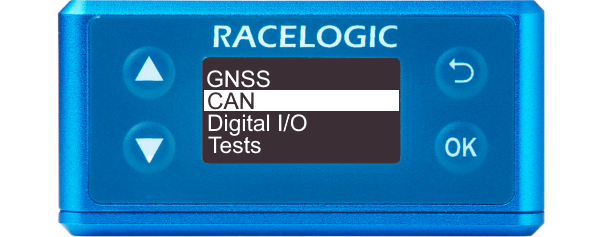
This page contains information about the CAN menu under the Front Panel settings on the VBOX 100 Hz Speed Sensor (v5) unit.
|
You can access the menu by pressing the OK button. Use the Up and Down arrows to navigate through the menu and press the OK button to enter a submenu or change a setting. When you edit a setting, the Up and Down buttons will let you scroll through the available options for that setting and the OK button will confirm your selection. Use the Back button to exit a setting. You can use this menu to configure the CAN settings. |
 |
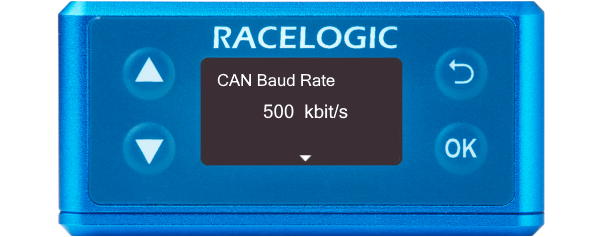
CAN Baud RateIn this setting you can select the CAN baud rate at which the data will be transmitted from the unit.
|
 |
CAN TerminationEnables or disables the CAN Termination. |
 |
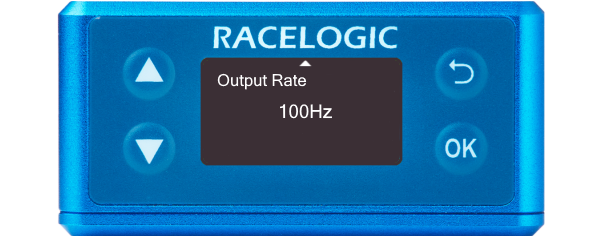
Output RateDetermines the rate at which data is sent out via CAN.
|
 |