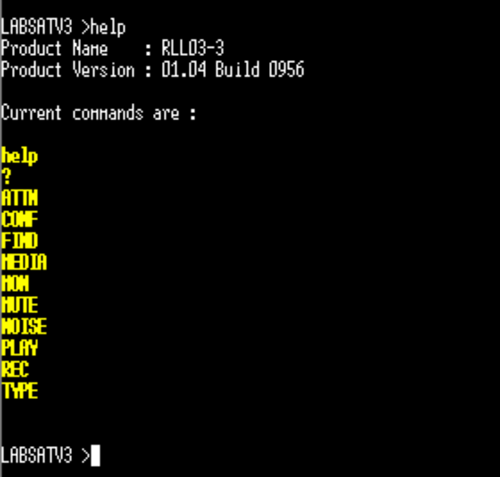
LabSat 3 can be remote accessed and controlled using most terminal software that supports a PORT 23 Telnet connection. Tera Term Pro is one example. Once connected, commands can be manually entered into a terminal program to remotely control LabSat 3. Commands are linked with the ‘:’ character and are executed on reception of the carriage return character.
Tera Term download | SourceForge.net
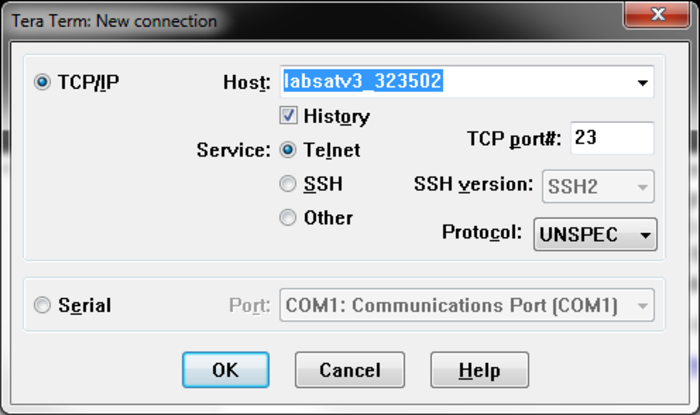
To open a connection to LabSat 3 in Tera Term, select ‘new connection’ and then enter 'labsatv3_[serial number]' into the Host box. Make sure that the Telnet radio button is checked.
See the connection example below.
Click ‘OK’ to connect and if successful, a ‘LABSATV3 >’ prompt should be shown. Type ‘help’ and press [ENTER] to show available commands along with the firmware version.