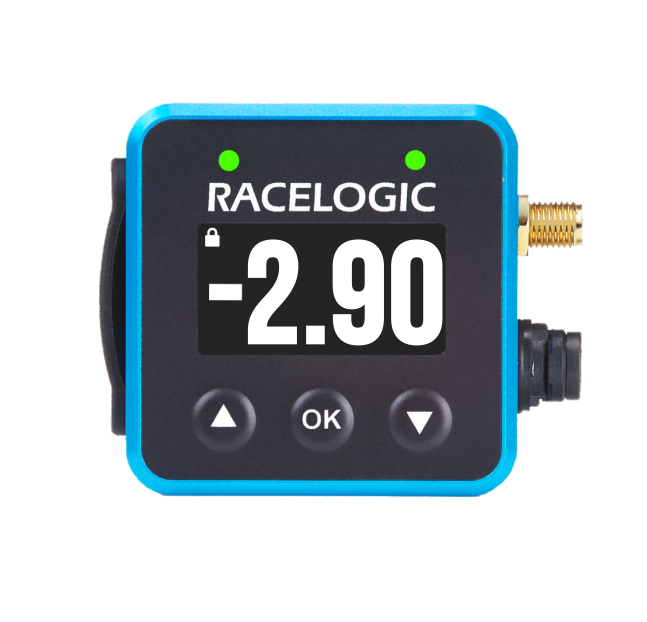
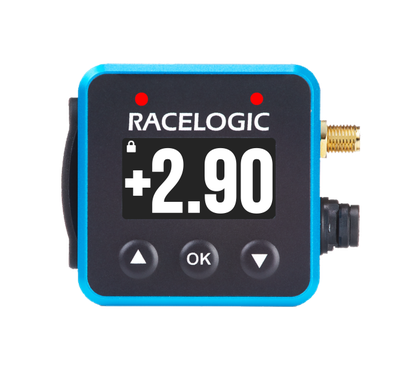
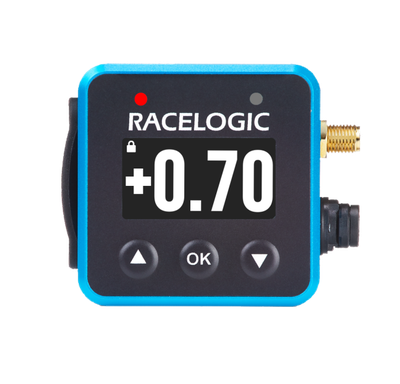
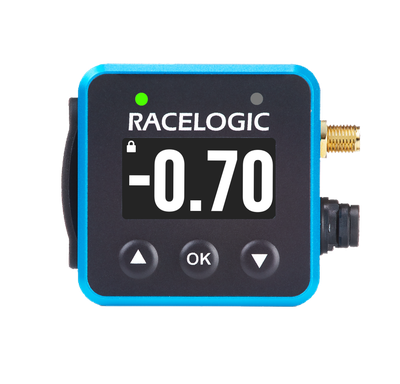
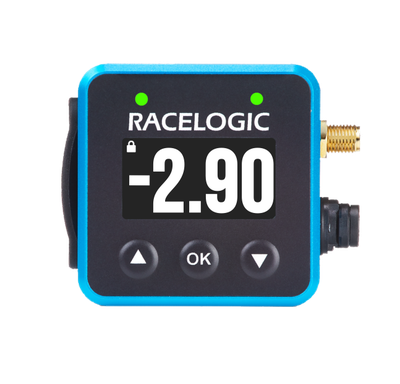
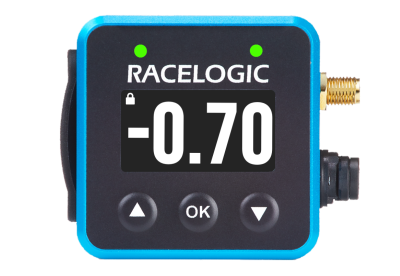
The two front panel LEDs are used in predictive lap timing mode. They indicate if the current vehicle speed is faster or slower than the speed was at the same position in the reference file.
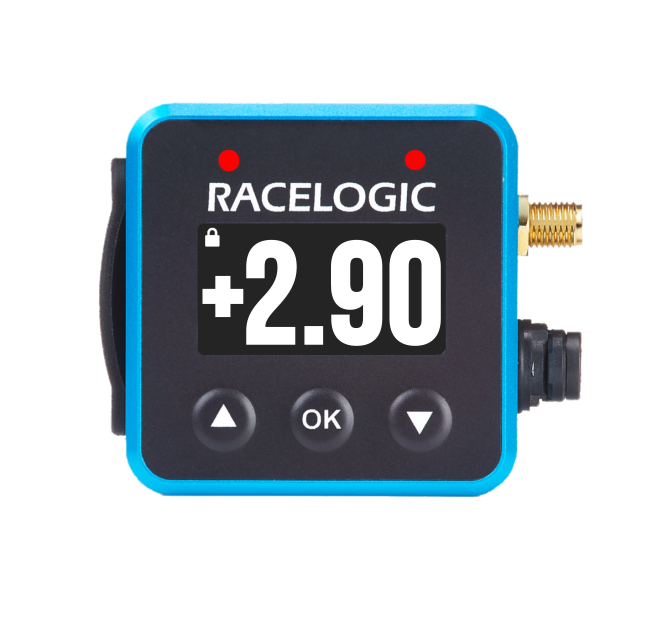
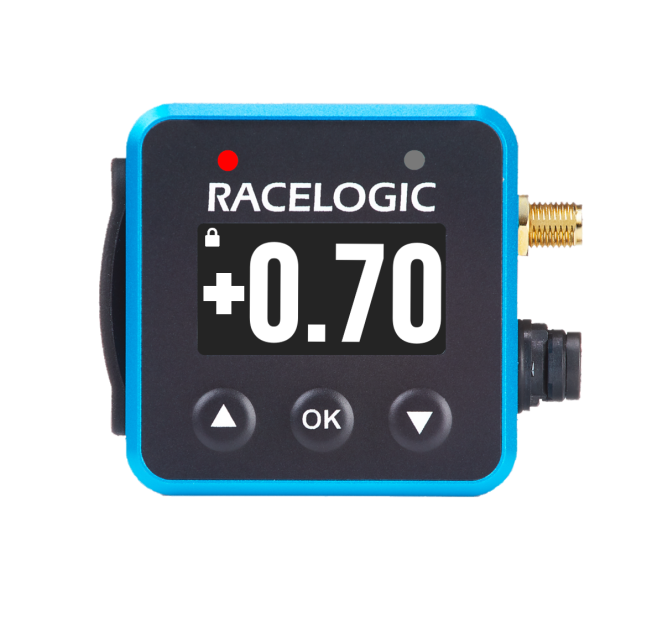
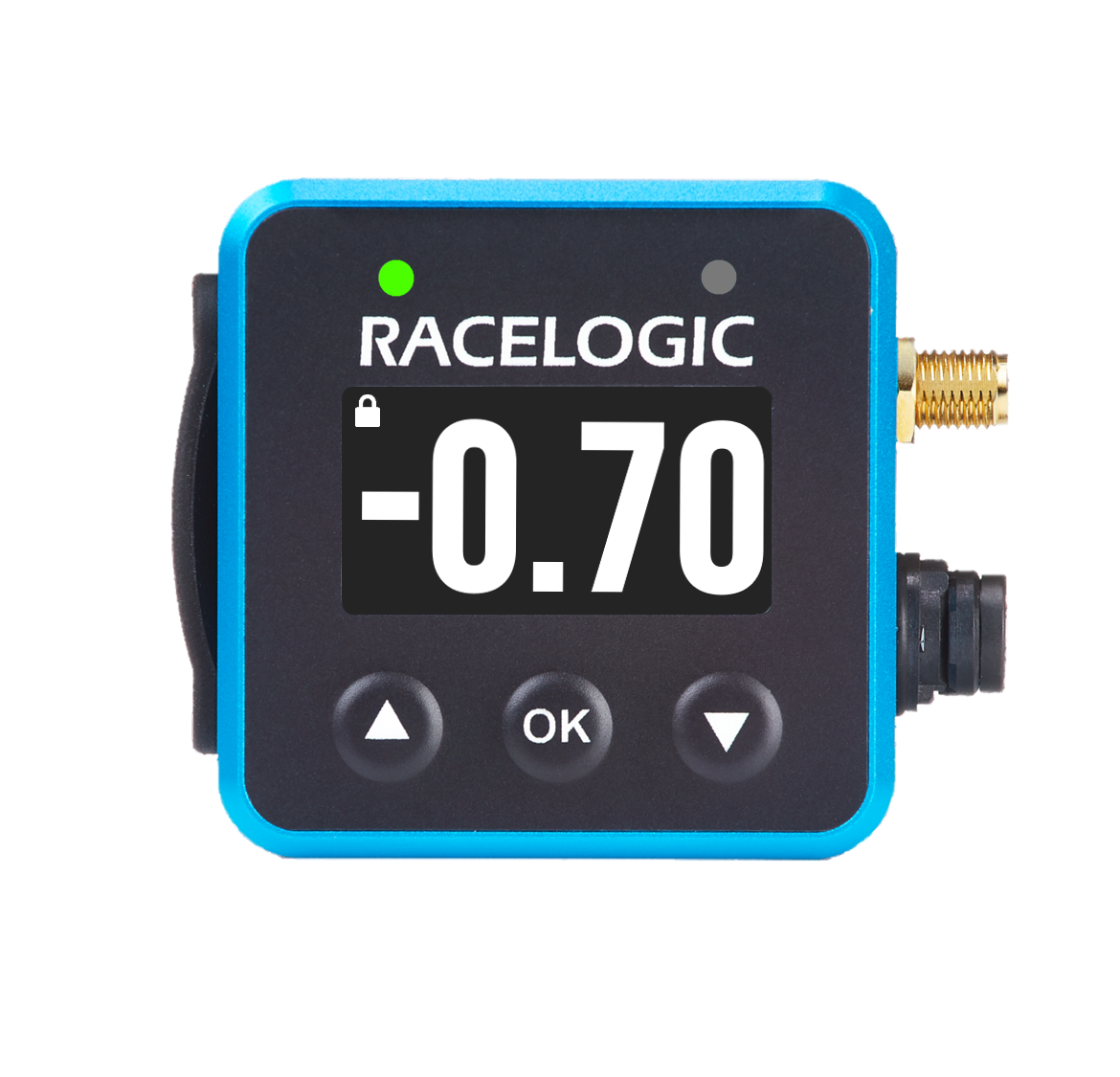
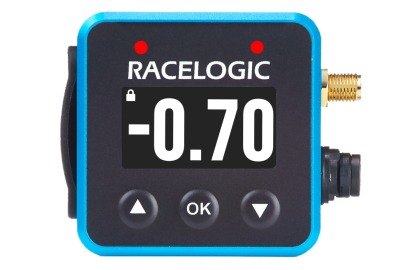
The LEDs will show red if the current speed is slower than the reference, or green if the current speed is faster.
The value defined within the ‘Delta-V range’ setting dictates the min. and max speed values to full brightness.
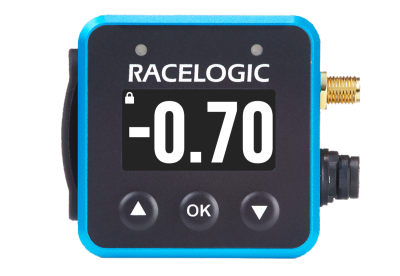
The two LEDs act as a gauge, filling up from the left to right. Once the current speed is slower or faster than the reference, the left LED will illuminate. Once the current speed is above 50% of the defined positive or negative range, the LED on the right will also illuminate.
Slower Than the Reference Lap
Faster Than the Reference Lap
This mode takes over the function of the LEDs in the predictive lap-timing screen.
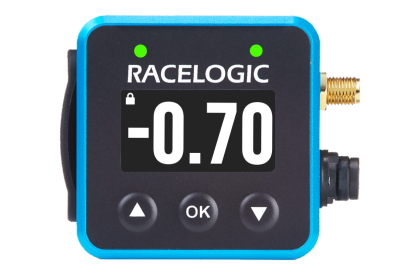
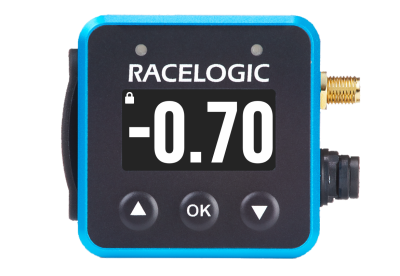
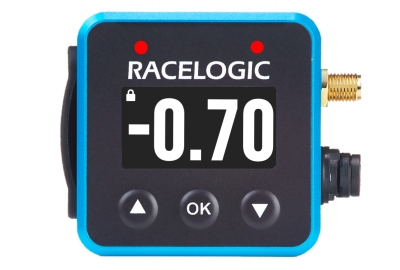
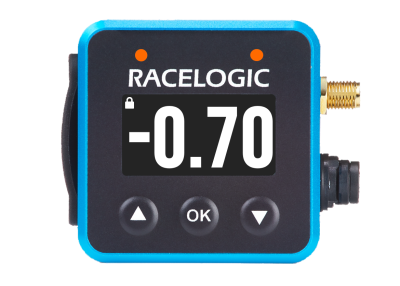
If the Combo G is greater than a selected minimum threshold (50 % LED minimum %, 0.5 g default), the LEDs will light up various colours depending on the maximum g threshold selected (1.0 g default).
- The LEDs will come on and be red where the Combo G has reached the LED minimum % selected (i.e. 50% by default).
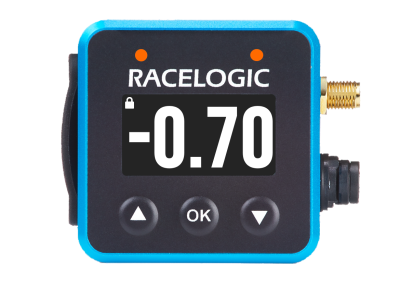
- Above this minimum value, the LEDs will come on in a colour gradient between red and green, giving a changing yellow/orange colour, depending on the live Combo G value.
- The LEDs will become green where the Combo G is equal to or greater than the selected maximum g threshold.
Example using the default settings:
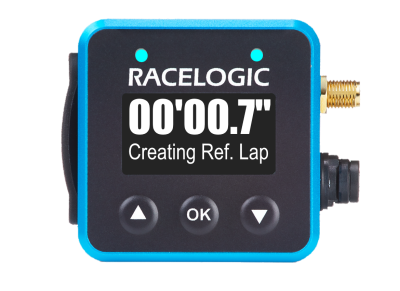
When the VBOX Mini LapTimer is creating a reference lap, the LEDs will shine blue, the behaviour will then change back to its current settings when the lap is created and saved.
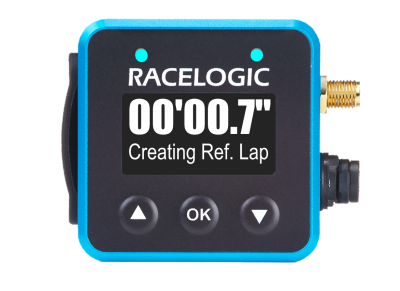
When the VBOX Mini LapTimer is creating a reference lap, the LEDs will shine blue, the behaviour will then change back to its current settings when the lap is created and saved.