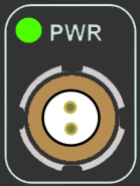
Solid green indicates that a suitable power source is connected, unit is fully booted and ready to use.
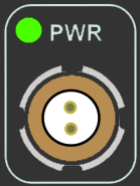
Solid green indicates that a suitable power source is connected, unit is fully booted and ready to use.
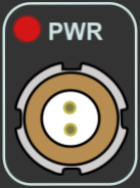
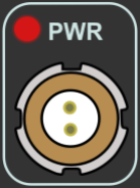
Solid red indicates that the VBOX is not ready to operate, either because it is still booting up, settings are being written to the unit or because there is an error condition.
Solid red indicates that the VBOX is not ready to operate, either because it is still booting up, settings are being written to the unit or because there is an error condition.
Solid green indicates that the event marker input has been activated/triggered.
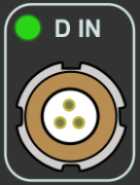
Solid green indicates that the event marker input has been activated/triggered.
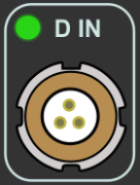
Flashing green indicates that expected incoming CAN data has been decoded properly and is being logged.
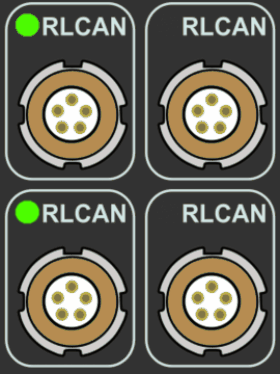
Flashing green indicates that expected incoming CAN data has been decoded properly and is being logged.
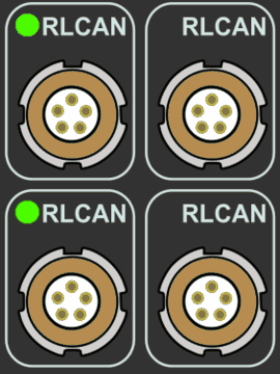
Flashing green indicates that expected incoming CAN data has been decoded properly and is being logged.
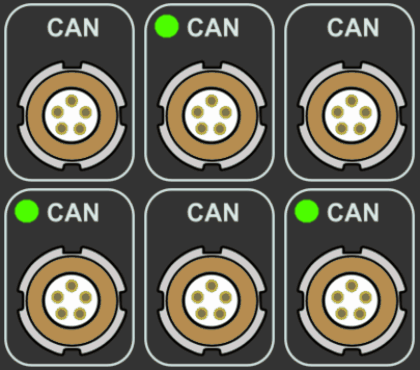
Flashing green indicates that expected incoming CAN data has been decoded properly and is being logged.
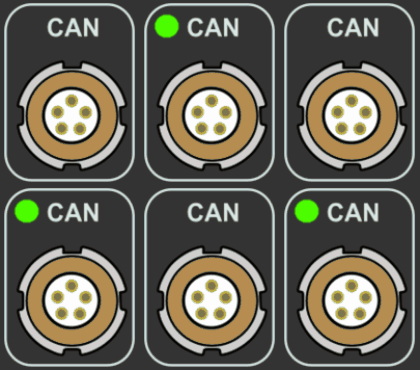
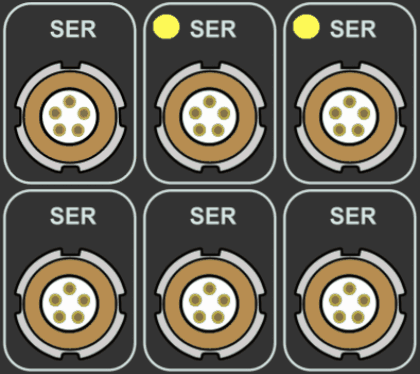
Flashing yellow indicates that there is incoming Serial traffic through this socket.
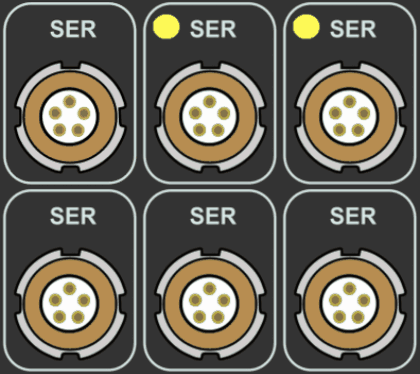
Flashing yellow indicates that there is incoming Serial traffic through this socket.
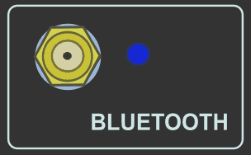
V2 Bluetooth module – Flashing blue indicates Bluetooth is initialising communications with a Bluetooth device.
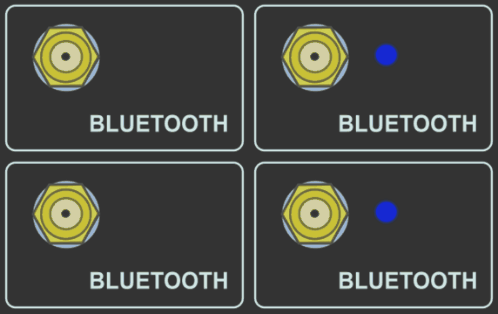
V2 Bluetooth module – Flashing blue indicates Bluetooth is initialising communications with a Bluetooth device.
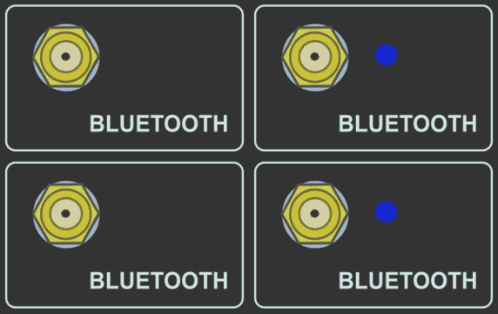
Solid blue indicates the VBOX unit has a Bluetooth connection with another Bluetooth device.
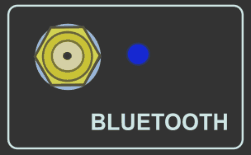
Solid blue indicates the VBOX unit has a Bluetooth connection with another Bluetooth device.
Flashes blue when data is being written to the card.
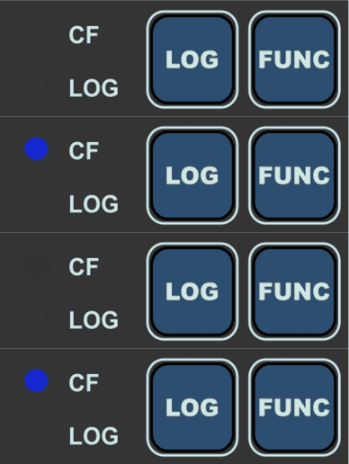
Flashes blue when data is being written to the card.
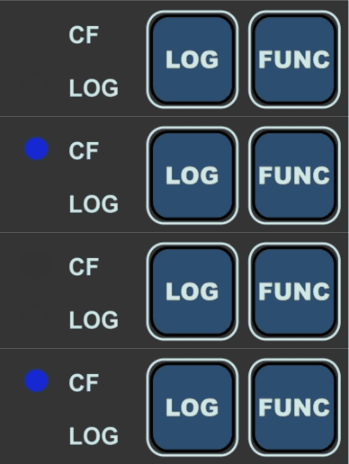
Solid green when the VBOX is capturing data to the CF card.
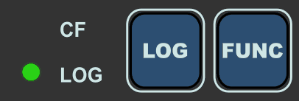
Solid green when the VBOX is capturing data to the CF card.
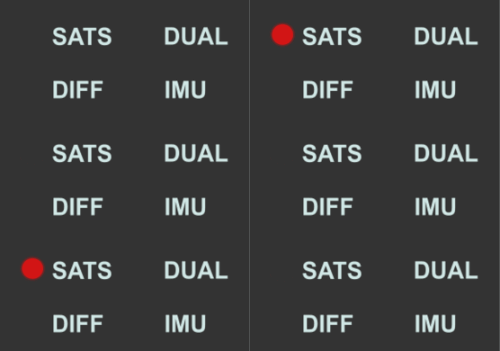
Flashing red indicates no satellites in view.
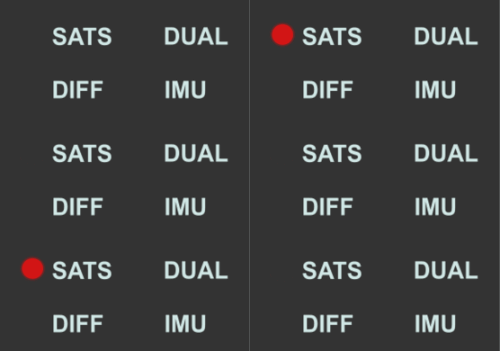
Flashing red indicates no satellites in view.
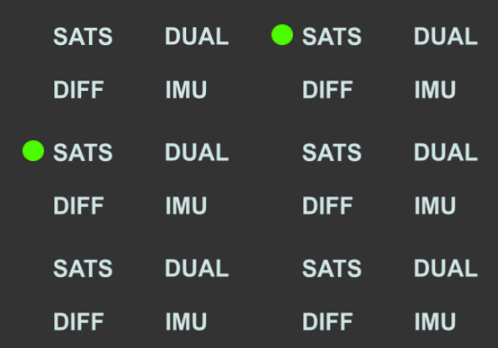
A flashing green sequence indicates the number of GNSS satellites currently being tracked. Each flash indicates a satellite with a short pause between each sequence.
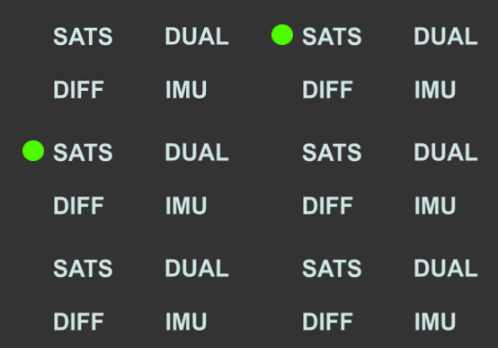
A flashing green sequence indicates the number of GNSS satellites currently being tracked. Each flash indicates a satellite with a short pause between each sequence.
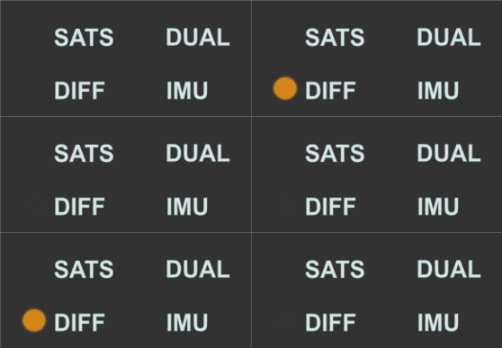
Flashing orange indicates DGPS is set but not locked (either 2 cm RTK, 40 cm local DGPS or NTRIP).
Flashing orange indicates DGPS is set but not locked (either 2 cm RTK, 40 cm local DGPS or NTRIP).
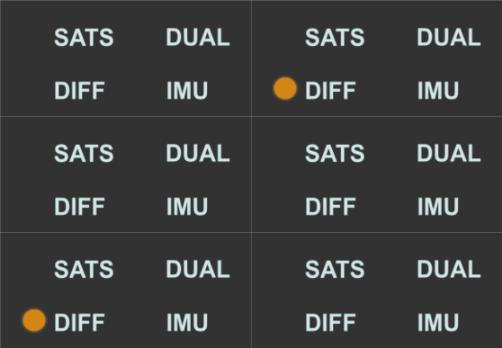
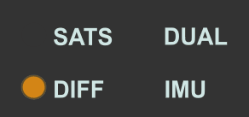
Solid orange indicates a Float RTK status (either 2 cm RTK or NTRIP) or a Fixed DGPS lock (40 cm local DGPS or SBAS).
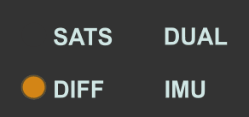
Solid orange indicates a Float RTK status (either 2 cm RTK or NTRIP) or a Fixed DGPS lock (40 cm local DGPS or SBAS).
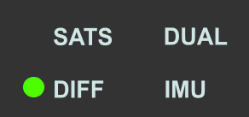
Solid green indicates a Fixed RTK lock (either 2 cm RTK or NTRIP).
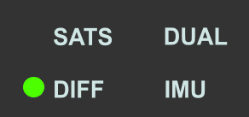
Solid green indicates a Fixed RTK lock (either 2 cm RTK or NTRIP).
Solid orange indicates that the IMU integration is enabled but that no IMU is connected or that the detected IMU is invalid.
When using an IMU04, you must make sure that it is:
- connected using an RLCAB119 to the 25-way D connector
- is set to Racelogic CAN mode
- is running the latest release firmware
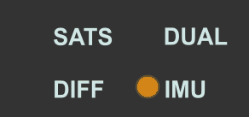
Solid orange indicates that the IMU integration is enabled but that no IMU is connected or that the detected IMU is invalid.
When using an IMU04, you must make sure that it is:
- connected using an RLCAB119 to the 25-way D connector
- is set to Racelogic CAN mode
- is running the latest release firmware
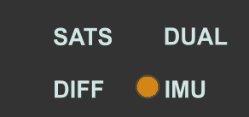
Flashing orange shows IMU is connected and integration initialisation is running. This will not be completed until the VBOX unit has had a satellite lock while being stationary for 30 seconds.
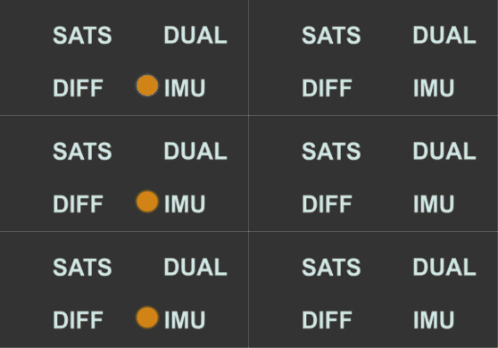
Flashing orange shows IMU is connected and integration initialisation is running. This will not be completed until the VBOX unit has had a satellite lock while being stationary for 30 seconds.
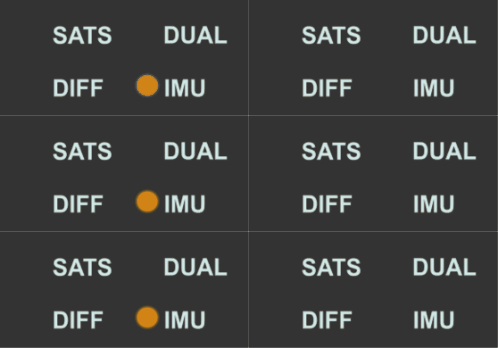
Flashing green indicates that the integration Initialisation is complete – movement not yet detected.
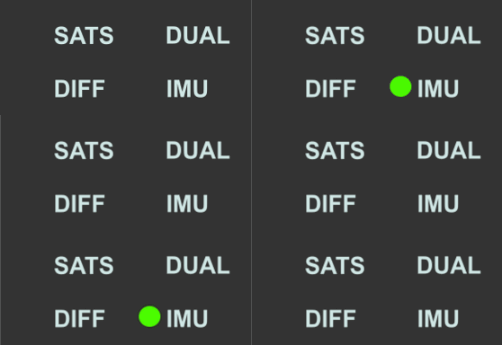
Flashing green indicates that the integration Initialisation is complete – movement not yet detected.
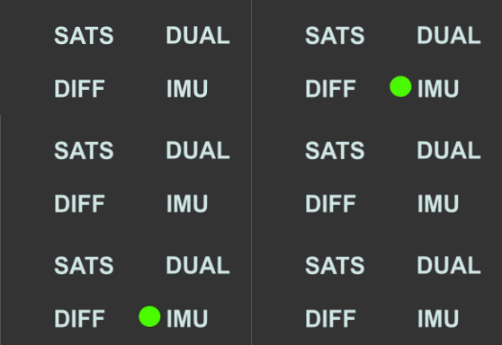
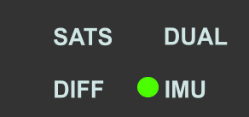
Solid green indicates that it has detected movement – the IMU integration is working.
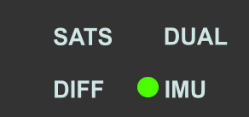
Solid green indicates that it has detected movement – the IMU integration is working.